Page 1 of 1
Posted: Sat Mar 01, 2008 9:32 pm
by user name
I'm looking into going the dual monitor route. I currently have an HP Pavilion 1630n with onboard video. I've been told that I would either need a new video card like this (below) and then shut off my onboard video in the BIOS.
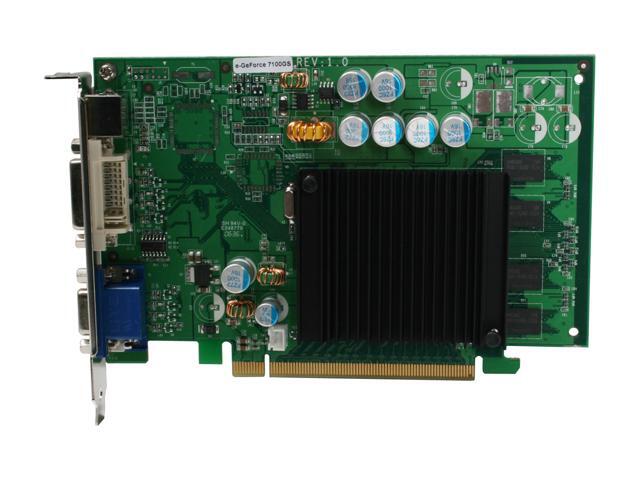
or maybe try something like this

..............

Does anyone use something like option 2?
Posted: Sun Mar 02, 2008 12:14 am
by Passkes
Hi username,
I have a setup with two 22" Inch BW226 Samsung screens.
This with two ATI Radeon 2600XT pci express cards.
Are you planning to buy 2 new monitors?
If you buy 2 new screens, make sure they come with the same displaypanel, so you can easily get the same color settings on both screens.
I don`t have a setup like option 2, but a videocard with 2 DVI outputs.
If you buy a new videocard choose one with 2 DVI or VGA outputs like the Ati Radeon 2600XT (DVI) so you don`t need a extra converter to get two of the same output connectors.
Posted: Sun Mar 02, 2008 3:09 am
by user name
What I was planning on doing was using my current 19" Proview and most likely buying an Acer 22" moniter for the second.
Posted: Mon Mar 10, 2008 11:30 am
by Myers
i had 2 benq 21 inch monitors bought for me the video card i had came with a dvi adaptor, so was easy to set up i also use ultramon for running them. easy to use and lots of features......