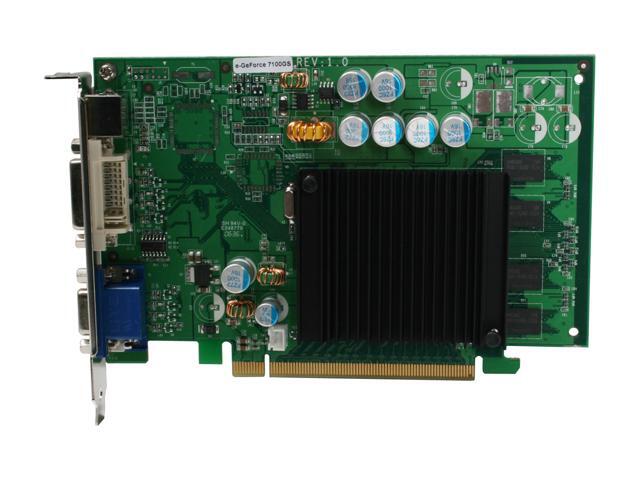
I'm looking into going the dual monitor route. I currently have an HP Pavilion 1630n with onboard video. I've been told that I would either need a new video card like this (below) and then shut off my onboard video in the BIOS.
I have a setup with two 22" Inch BW226 Samsung screens. This with two ATI Radeon 2600XT pci express cards.
Are you planning to buy 2 new monitors?
If you buy 2 new screens, make sure they come with the same displaypanel, so you can easily get the same color settings on both screens.
I don`t have a setup like option 2, but a videocard with 2 DVI outputs.
If you buy a new videocard choose one with 2 DVI or VGA outputs like the Ati Radeon 2600XT (DVI) so you don`t need a extra converter to get two of the same output connectors.
Last edited by Passkes on Sun Mar 02, 2008 12:18 am, edited 1 time in total.
i had 2 benq 21 inch monitors bought for me the video card i had came with a dvi adaptor, so was easy to set up i also use ultramon for running them. easy to use and lots of features......
" I don't feel that I need to explain my art to you, Warren. "
Totals
Total posts 207209
Total topics 58655
Total Announcements: 0
Total Stickies: 80
Total Attachments: 26728
Topics per day: 8
Posts per day: 28
Users per day: 13
Topics per user: 1
Posts per user: 2
Posts per topic: 4
Total members 92765
Our newest member WeldonDe

 ..............